William
William is not enabled by default
This is a limited access feature. Contact the nunu team to enable it for your project.
William is an AI assistant for working with your Nexus project. Describe what you want to do, and William can use Nexus tools to manage project resources, run tests, investigate results, and answer questions about the platform.
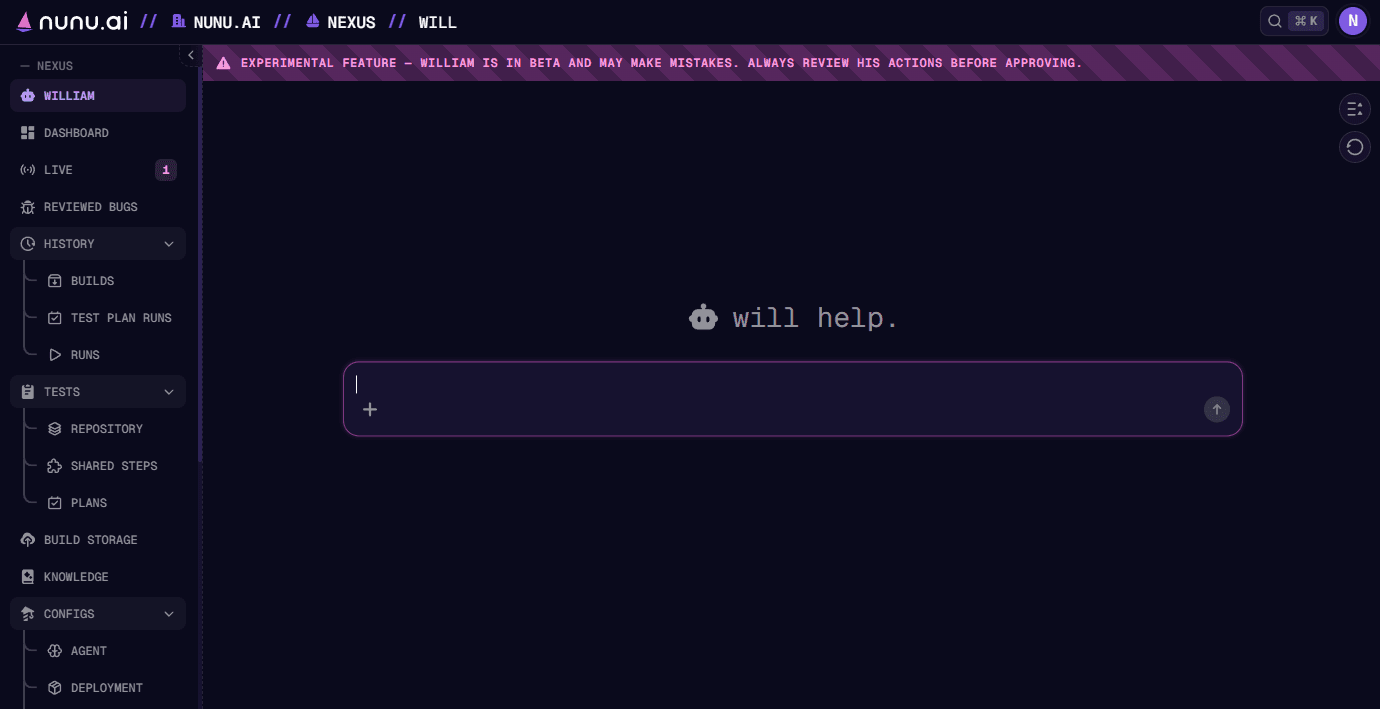
For example, ask William to write a verification test for your onboarding flow, summarize failures from the latest test plan run, or update smoke tests to use a shared step.
Capabilities
William’s available actions depend on your project permissions and enabled features.
| Area | What William can do |
|---|---|
| Tests and test plans | Create, read, update, organize, and delete verification, discovery, and task tests; manage test plans and shared steps; start tests and plans; stop runs; inspect live and past runs, including screenshots and run files. |
| Knowledge | Read and manage knowledge files attached to a project, agent config, test, or William chat. |
| Configs | Read, create, update, and delete user agent configs. Read and manage supported browser, mobile, and Windows deployment config fields. |
| Builds and devices | Find available builds and devices, use them when setting up runs, and delete builds. |
| Triggers and project settings | View and manage project triggers and supported project settings. |
| Bugs | Find and inspect reported bugs, review occurrences, and update, archive, or delete tracked bugs. |
| TestRail | Work with cases in a configured TestRail integration, synchronize case data, manage suite mappings, and export run results. See TestRail setup and exporting results. |
| Search and documentation | Search project resources and retrieve Nexus or Nunu platform documentation. |
William asks for your approval before carrying out actions that require approval, such as starting runs or making protected changes.
Scope and setup
William works with external services through supported Nexus integrations, including a configured TestRail integration. Set up an integration in Nexus before asking William to use it; William does not browse arbitrary URLs or operate arbitrary external services.
William can read credential-kind definitions and attach credential-kind requests to agent configs. Create credential kinds and entries, and enter secret values, in Nexus Credentials. William edits supported fields on browser, mobile, and Windows deployment configs; set up other app sources and secret-backed providers in the deployment configuration interface. See Build Storage for managing uploaded builds.
William works with project resources and attached knowledge. Use Nexus or your development tools to change game source code, SDK integrations, or run arbitrary code.