Roles
To access the Project Admin tab, you’ll need the project-admin permission,
which is available to users with the Project Admin role or other roles that
include this permission.
There are two types of roles:
system: These are predefined roles that we’ve created for you to select from.project: Custom roles that you create, which are only applicable to your specific project.
Create a new Role
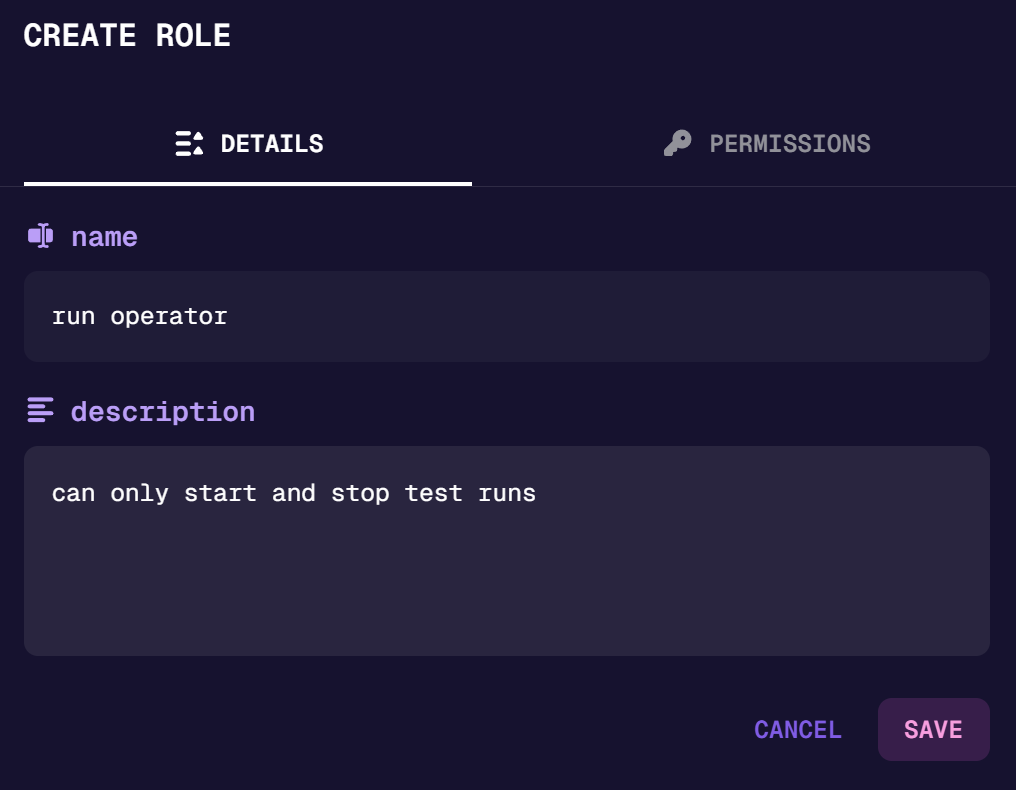
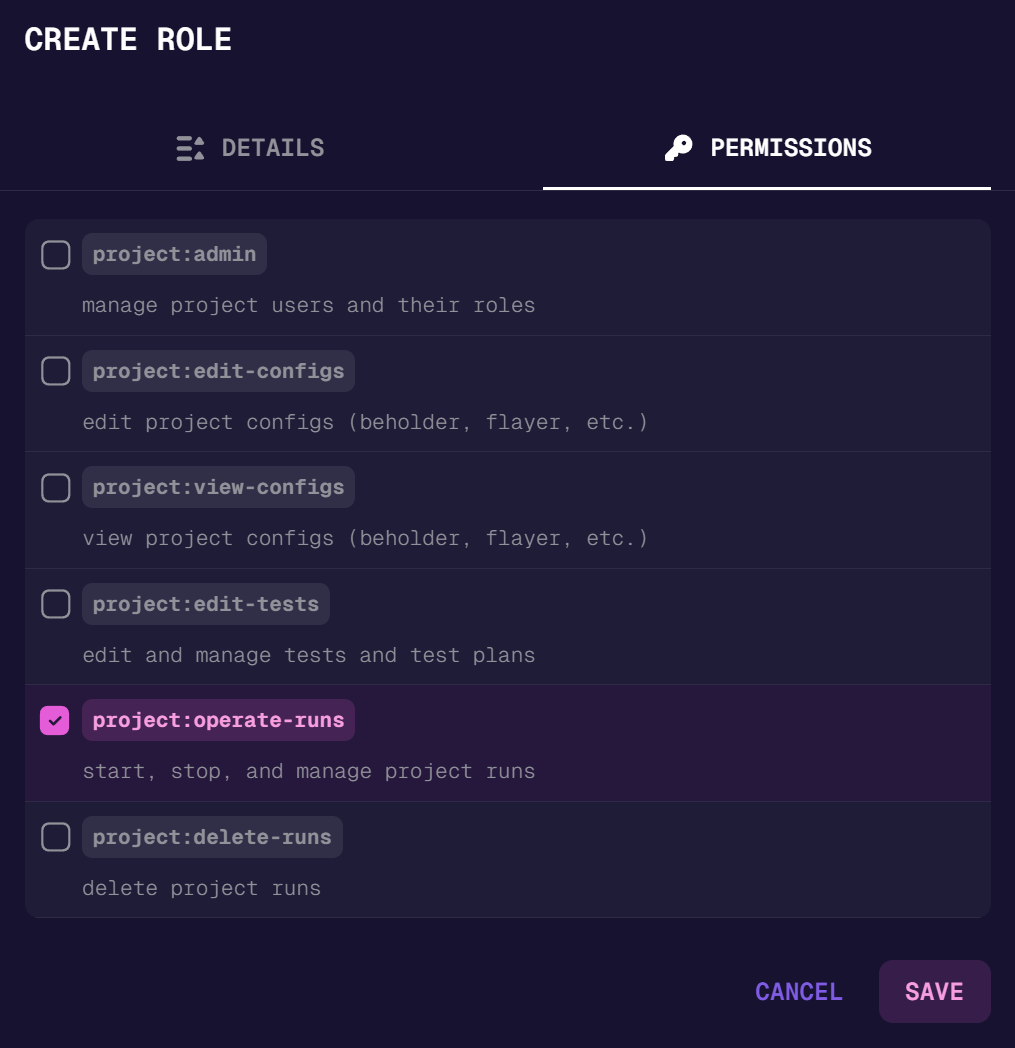
Creating a new role is straightforward. Simply click the [ create new ] button, provide a role name and description, and set the permissions for your custom role. Once created, you can assign this role to members within your project on the Members page.
Last updated on