CI/CD Integration
Connect your build pipeline directly with our testing platform to automate your testing workflow.
Build Storage (Recommended)
The easiest way to integrate with any CI/CD system is using Build Storage. Upload builds using our CLI, GitHub Action, or API, and optionally set up Build Storage Triggers to automatically run tests on every upload.
| Method | Best For | Setup Time |
|---|---|---|
| CLI Tool | Any CI/CD system | 2 minutes |
| GitHub Action | GitHub Actions | 1 minute |
| API | Custom integrations | 10+ minutes |
Why Build Storage?
- Works with any CI/CD system
- Automatic test triggers on upload - no webhook setup required
- Automatic metadata collection (git info, CI/CD context)
- Large file support up to 1TB
Get started with Build Storage →
External Storage Integrations
If you’re already using one of these platforms to distribute builds, you can connect directly without uploading to Build Storage:
Enterprise feature
External provider integrations are available on Enterprise plans. Contact the nunu team if you are interested.
These integrations allow Nexus to access builds directly from your existing storage. You can use Webhook Triggers to automatically run tests when new builds are available.
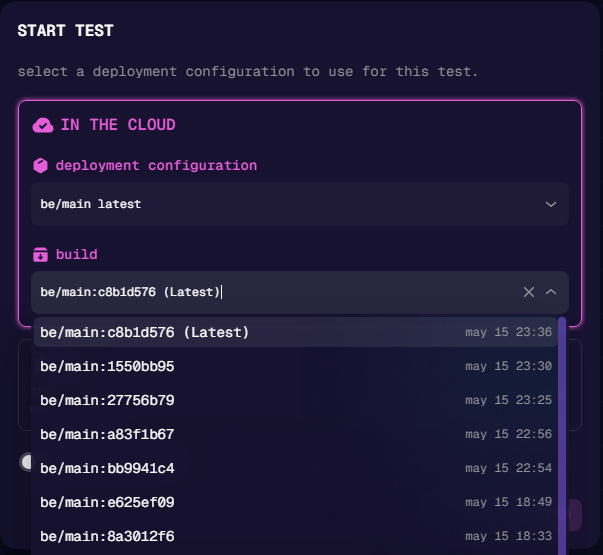
Check out Deployment Configuration for more details on how to configure your deployment settings.
Don’t see your build system listed? Build Storage works with any CI/CD system. Alternatively, contact our team to discuss a custom integration.