Usage and Credits
Nexus uses credits to track AI usage. Test runs and William chats both consume credits, and the amount depends on the AI work performed. There is no fixed credit cost for every run or chat.
View usage and balance
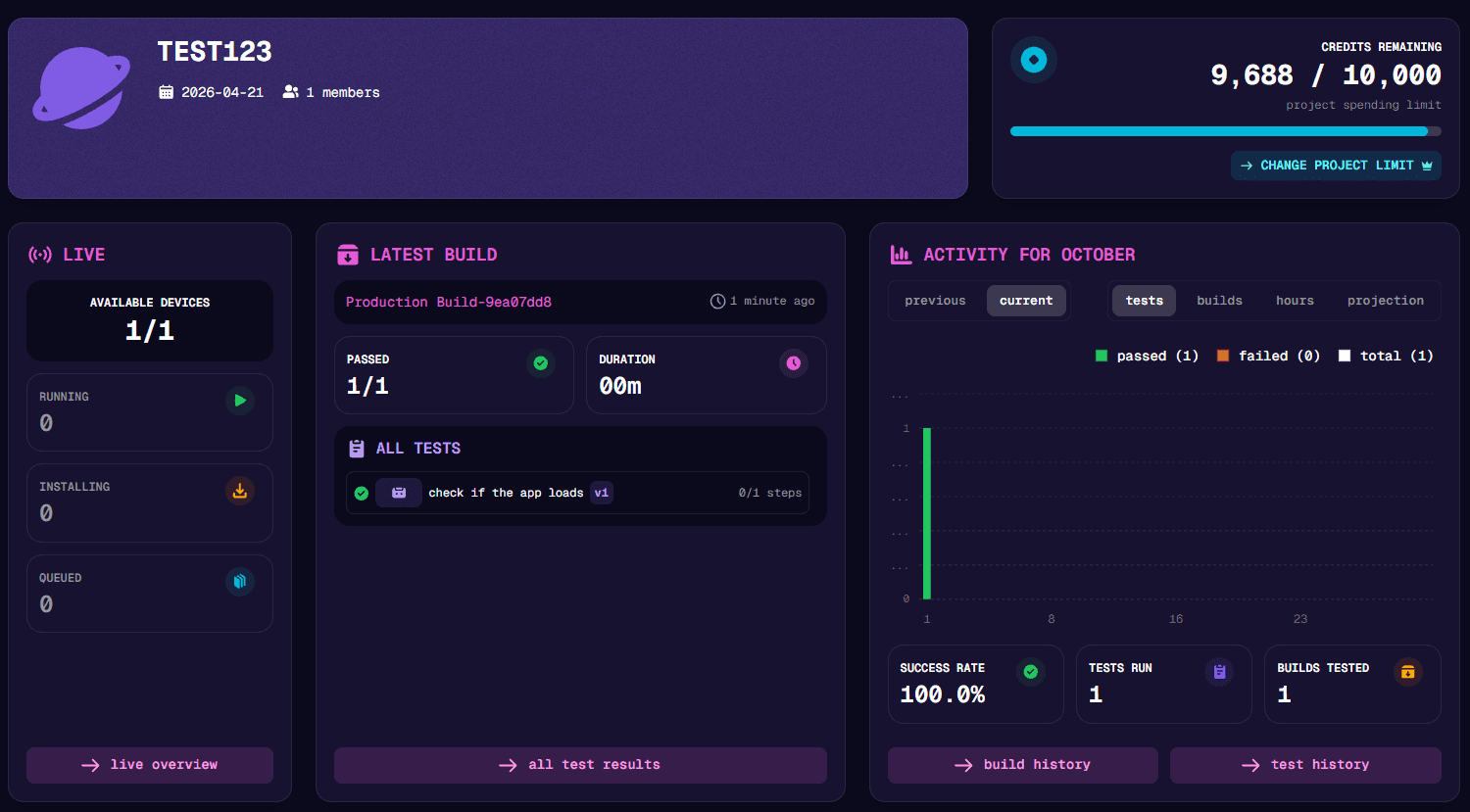
The project Dashboard shows a credit summary for the selected project, along with current run activity and queue counts. Depending on the plan, it shows a project balance or limit, an organization balance, or credits used. Organization admins can open Organization → Admin → Billing to review the plan, available balance, and usage for the current billing period where those details apply. Plans can apply a shared organization balance, a project balance, and/or a project spending limit.
How credits work
Nexus calculates run credits from the AI agents’ model usage. William chats also use credits based on the model usage in the chat. The amount varies with the work performed, such as the number of agents in a run and how much they need to reason.
Runs that finish with an ERROR result are not charged. A run that completes with failed test checks can still use credits for the AI work it performed.
When the applicable organization balance or project credit limit is exhausted, Nexus stops starting new runs. William also blocks new chats when the applicable credits are exhausted. The credit block lifts when credits are available again.
Parallel run capacity
Credit usage and run capacity are separate limits. The effective project and organization device limits control how many AI agents can run at the same time. A multiplayer run can use a device for each player. When all available slots are occupied, additional eligible runs wait in the queue until capacity is free.
Check available devices and queued runs in the Live View. Organization billing shows the concurrent device allowance on plans that include device details.